

Your documents, from your AI assistant
Connect Claude, Cursor or n8n to Typefold. Ask for a document and get the PDF, or describe a template and watch it appear.
Ask, and get the document
- n8n
Post yesterday's sales report in #sales
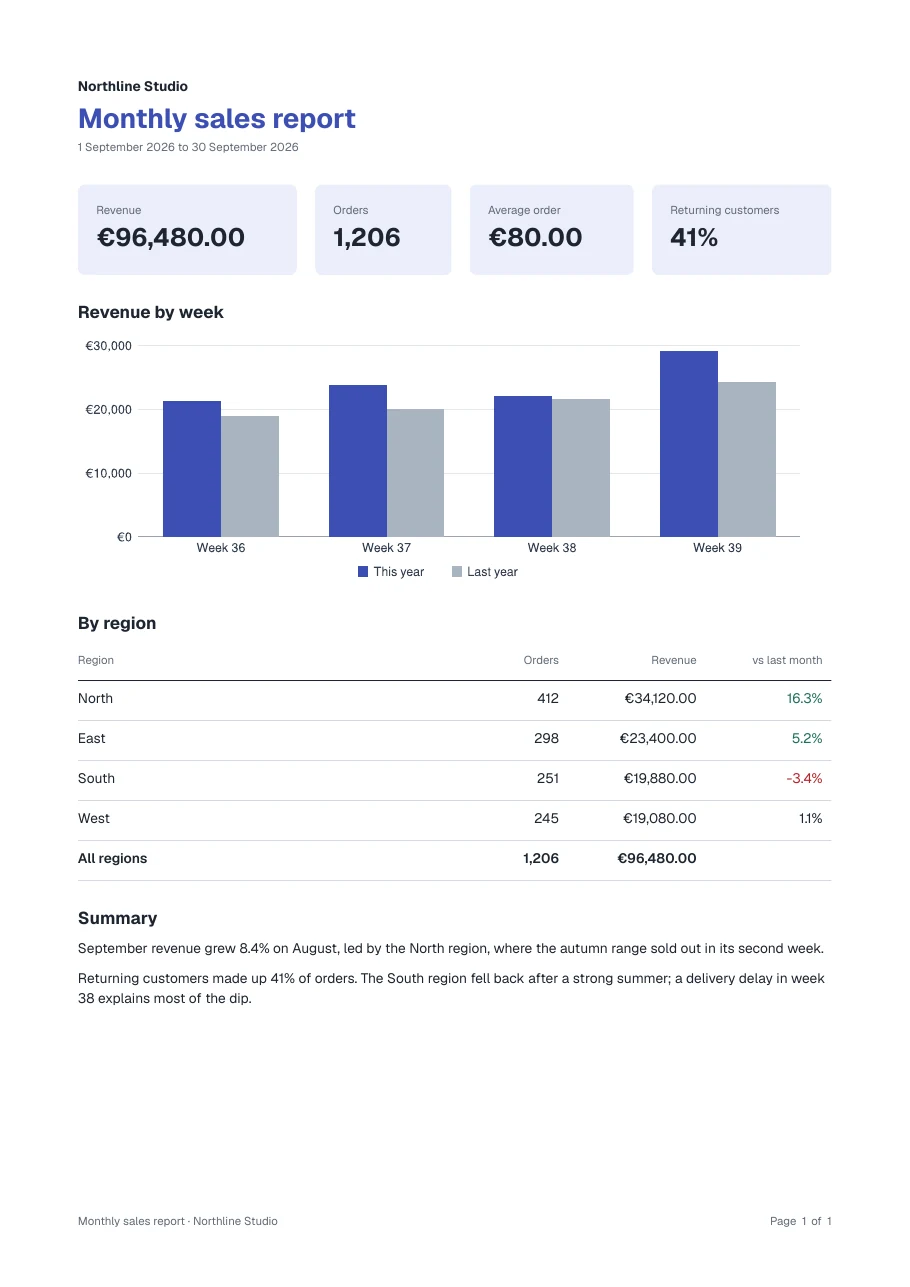 sales-report.pdfPosted in #sales
 - Claude
Invoice for order 2041 as a PDF
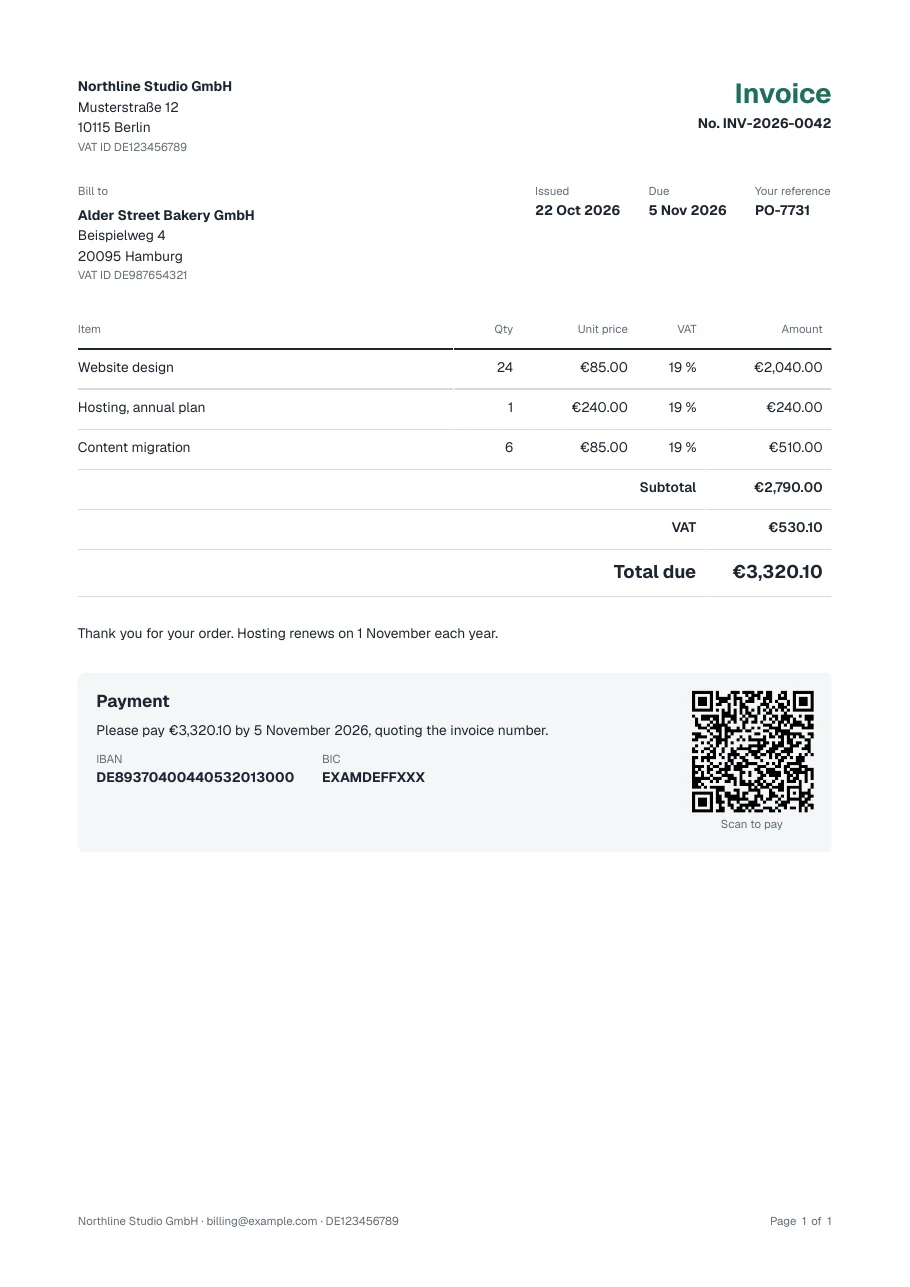 invoice-2041.pdfRendered from your Invoice template
 - Claude
Make a certificate template from this JSON
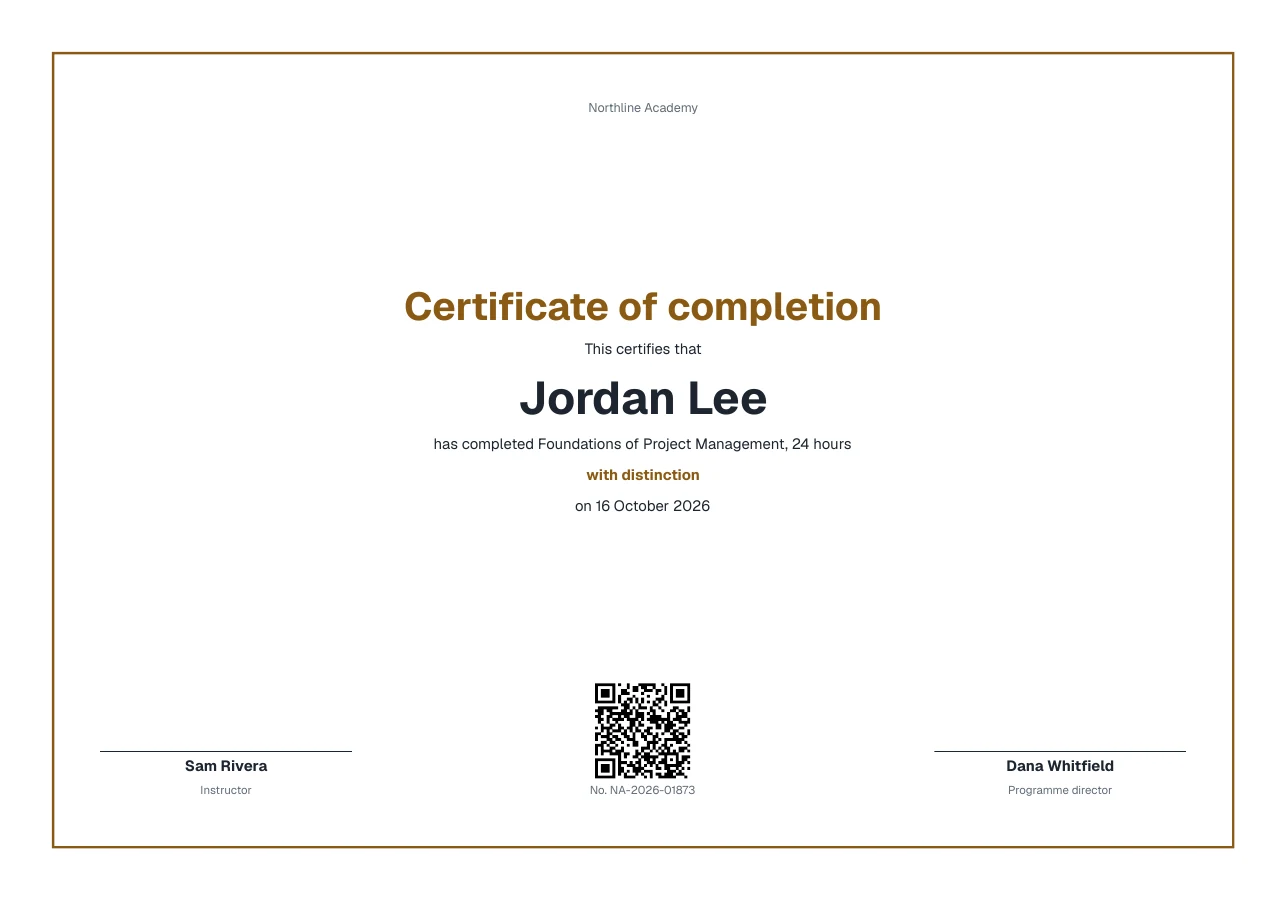 CertificateNew draft in the visual editor
 - Cursor
Email the ticket when a booking is paid
await client
  .renderReport({
    template: TemplateRef
      .byName("Ticket"),
    data: booking,
  })
Field names read from your template
Connect in a minute
Add the address, sign in to Studio and pick a workspace. No key to copy.
Claude and Claude Desktop
Settings → Connectors → Add custom connector
URL: https://app.typefold.dev/mcp
Claude Code
claude mcp add --transport http typefold https://app.typefold.dev/mcp
# then run /mcp in Claude Code and sign in
Cursor, .cursor/mcp.json, then sign in under Settings → MCP
{
  "mcpServers": {
    "typefold": { "url": "https://app.typefold.dev/mcp" }
  }
}
Typefold is also in the official MCP Registry as dev.typefold/typefold. API keys, n8n and self-hosted setups
All 9 tools
| list_templates | Lists your templates, their folders and formats, and which are published. |
|---|---|
| get_template_data_schema | Returns the shape of the data a published template takes. |
| render_report | Renders a published template to PDF or an image and returns a download link. |
| start_render | Starts a background render for large files, optionally into your own bucket. |
| get_render_status | Returns a render's state and, once it's done, a download link. |
| create_visual_template | Creates a visual template from blocks, from example data, or from a blank page. |
| edit_visual_template | Inserts, moves, removes and changes blocks and the template's theme. |
| preview_visual_template | Draws pages as images and lists the problems Studio shows. |
| convert_visual_template_to_html | Turns a visual template into an HTML template that draws the same pages. |
Test renders and previews are free.