

HTML to PDF playground
Write a template in HTML and CSS, fill it with JSON data and see the PDF, image or Excel file Typefold makes. This is how Typefold works in your app: the template lives in your account, and your app sends only the data. No account needed to try it.
The example's first page, as Typefold renders it. Edit it and press Render.
Download the PDF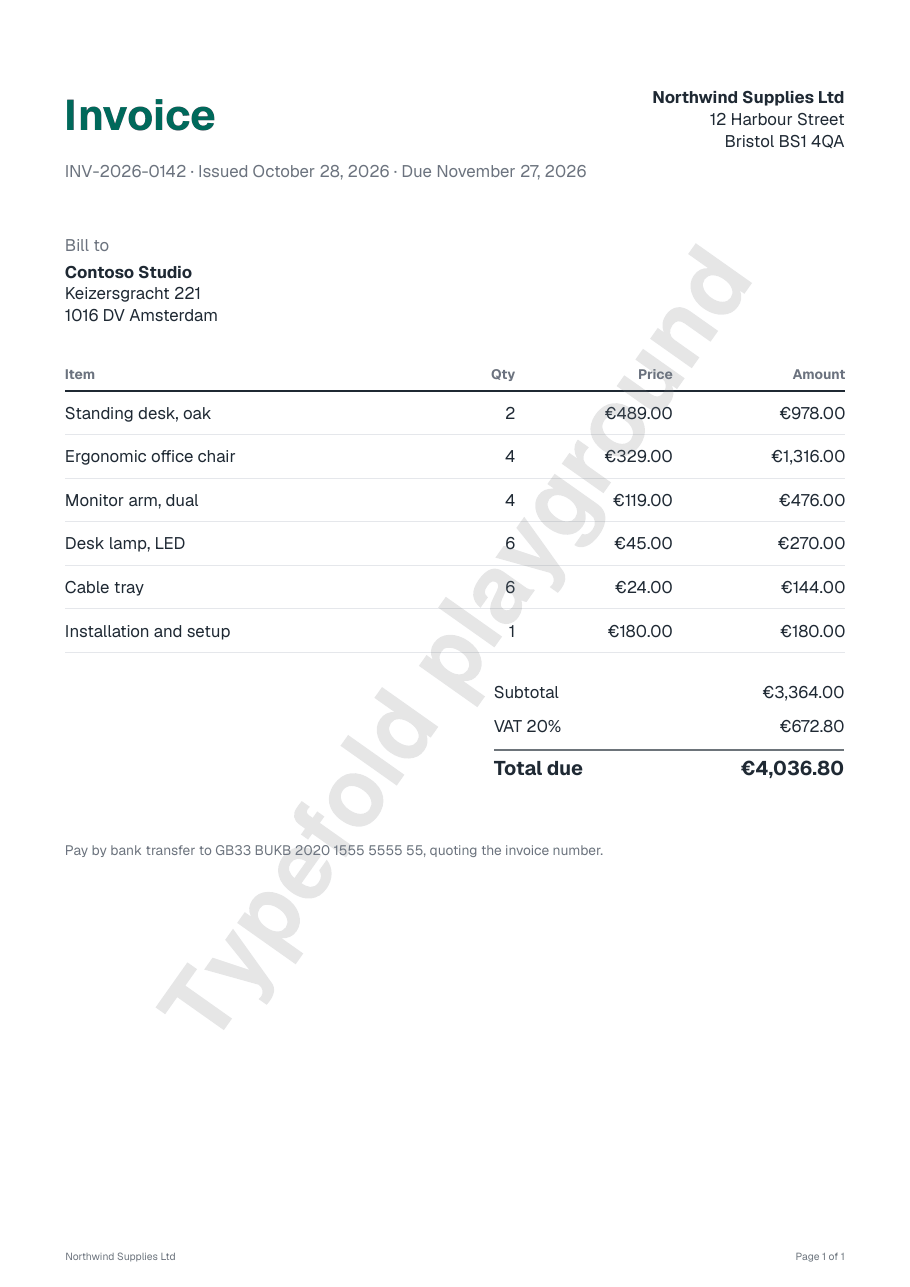
Render it from your app
In your account, what you wrote above becomes a template. Your app sends only the data and gets the PDF back.
- Create a free account, then a code template named Invoice. Paste the HTML, CSS, header and footersheets.json into it and publish it.
- Create an API key under Developers → API keys.
- Send the data. This request has the data from the Data tab and returns the file:
The quickstart walks through each step, and templates and data lists the helpers, such as format for amounts and dates.
What the playground shows
- Headers and footers. HTML in the Header and Footer tabs is drawn in the page margins, on every page.
- Page numbers. Elements with the class
pageNumberortotalPagesin a header or footer show the page number and the page count. - Page breaks.
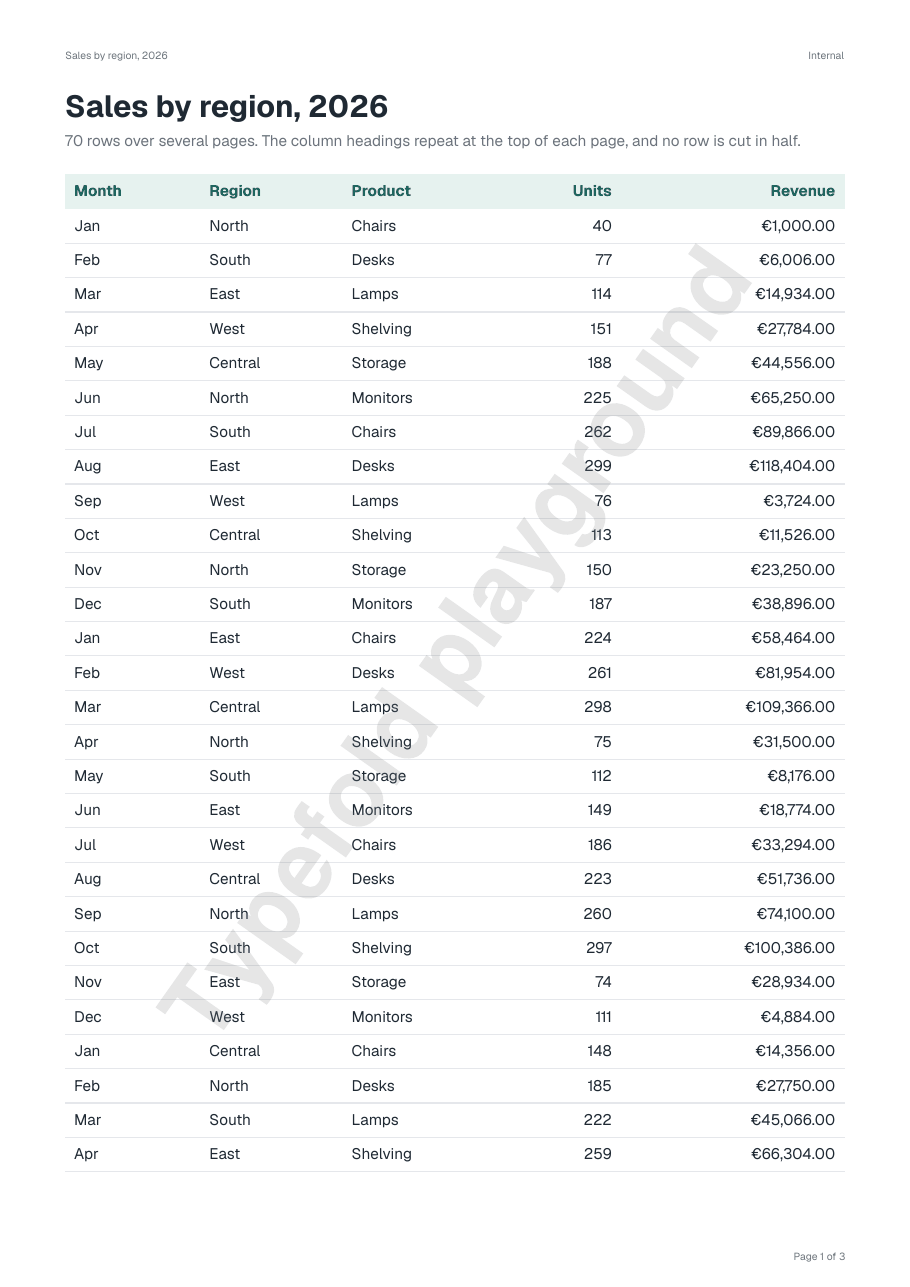
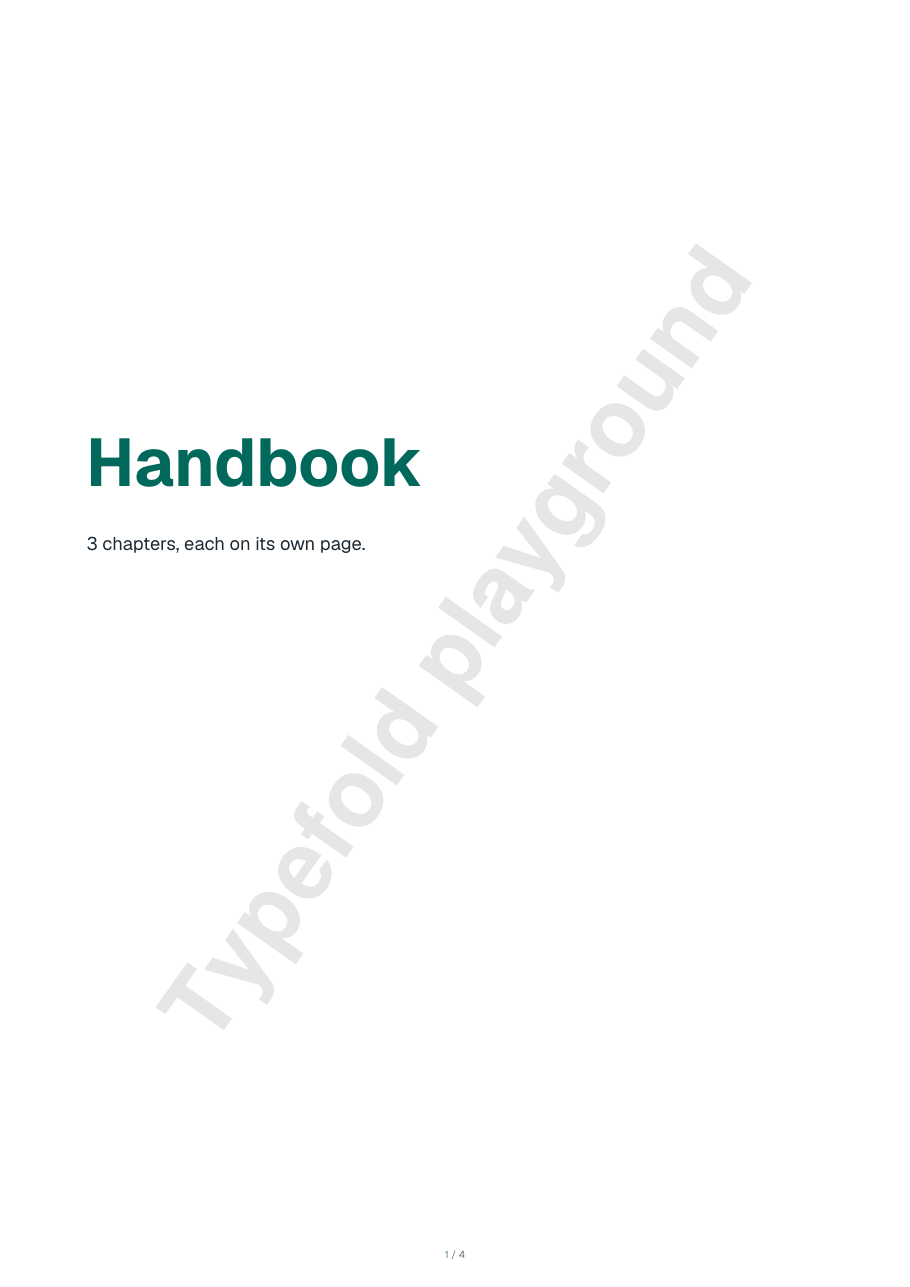
break-before: pagestarts a new page, andbreak-inside: avoidkeeps a block or table row together. - Long tables. A table's
<thead>repeats at the top of every page it runs over. - PDF, image or Excel. Output PNG image draws the first page as a picture. The Excel workbook example is a spreadsheet template:
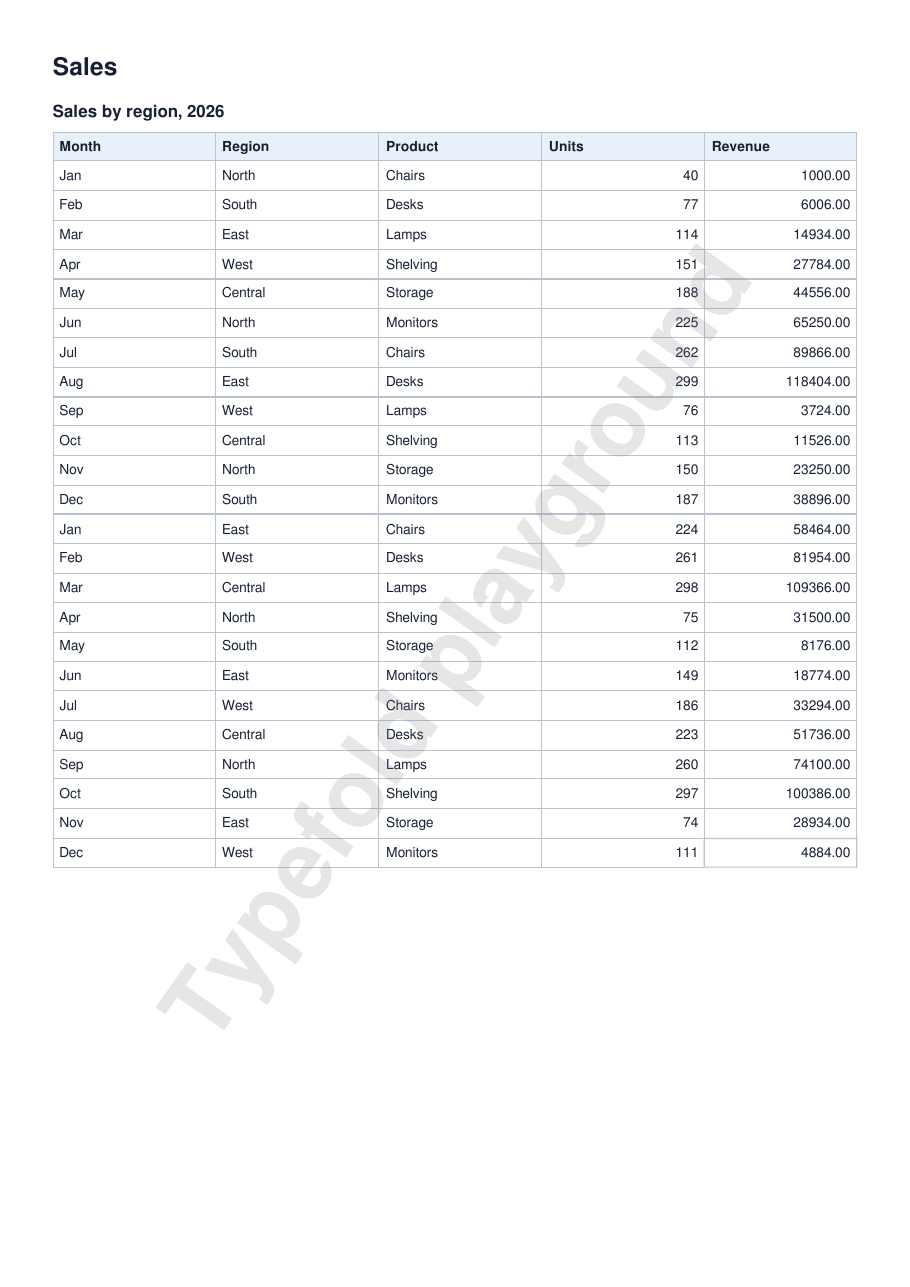
sheets.jsonlists the columns, and the same data comes out as an XLSX file and as a PDF of its tables. - Paper and margins. An
@pagerule sets the margins and the orientation.
- JavaScript in the page does not run. Data goes in with Handlebars, as in the examples:
{{name}},{{#each lines}},{{#if note}}. - Images and fonts at web addresses are not loaded. Here, put images in as
data:URLs; in your account you upload them. - Each PDF has a "Typefold playground" watermark, and each visitor can render 30 documents a day.
- What you paste is rendered and not kept. In the playground, templates have no helpers or scripts of your own.
Read the supported CSS and what's not supported for the details.